Yes. The booking flow can present different service categories clearly.
Auto service software
Booking software that helps auto service teams plan the day.
Make service requests, appointment timing, and customer communication easier to manage without relying on scattered manual notes.
- Structured booking for common services
- Cleaner daily planning
- Reminder support before scheduled visits

Built for the day-to-day
The booking moments that matter in auto service
Built around appointment clarity, timing, and fewer missed visits.

Feature 1
Common jobs stay easy to book
Make inspections, tire work, servicing, and repairs easier to understand during booking.
- Clear job categories
- Better appointment expectations
- Less back-and-forth before the visit

Feature 2
The day plan is easier to read
A cleaner schedule helps the team see workload and upcoming appointments faster.
- More visible day load
- Better schedule control
- Less manual coordination
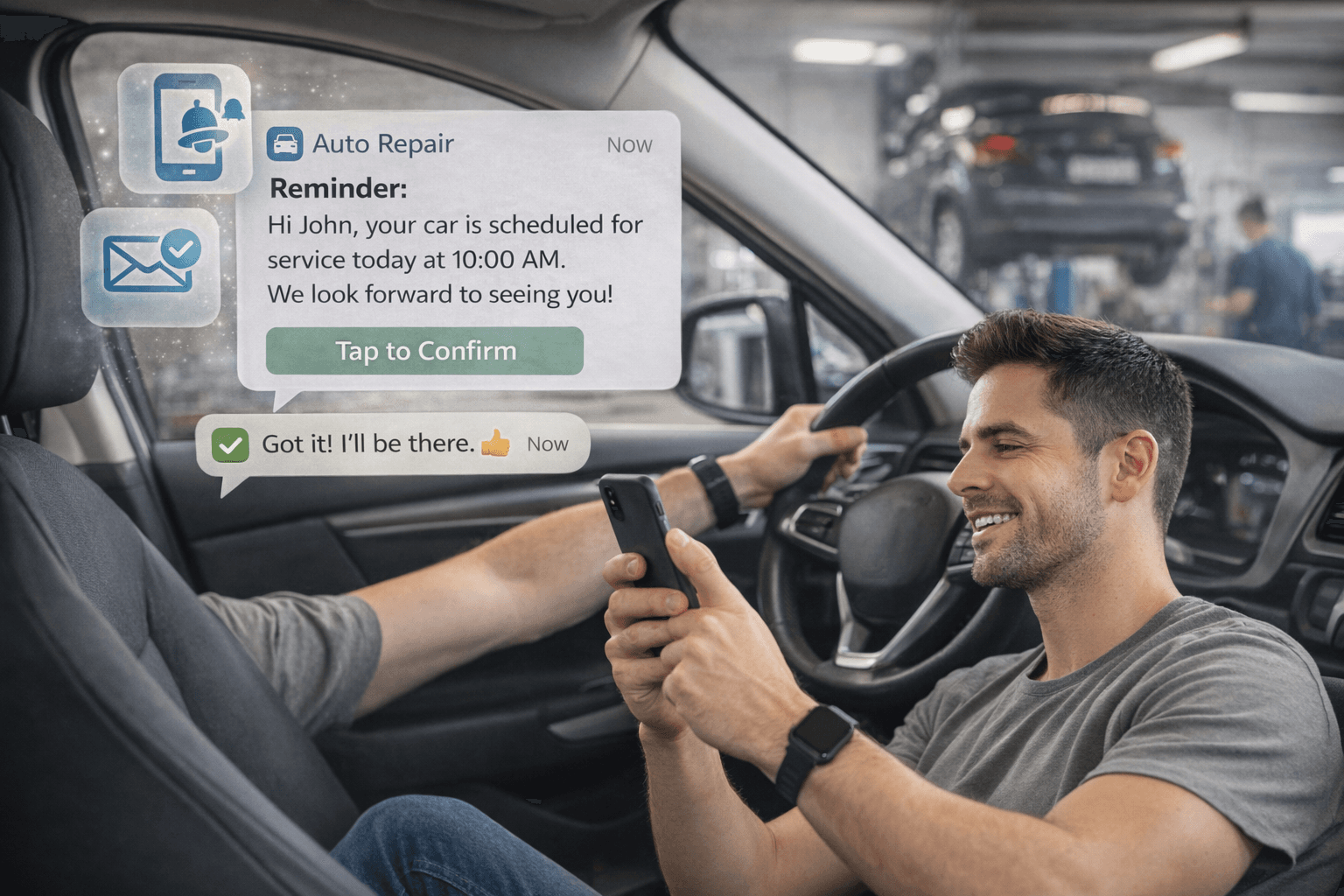
Feature 3
Reminders protect booked slots
Automated messages help customers remember scheduled service visits and reduce manual outreach.
- Reminder automation
- More reliable arrivals
- Less admin follow-up
Why it works
Why the setup fits auto service operations
It helps the team understand what is coming in and when the day is starting to fill up.
Clearer appointment intake
Common service requests become easier to route into the calendar.
Better workshop visibility
The team sees the day plan with less guesswork.
Less manual chasing
Reminders reduce how much staff need to confirm upcoming visits.
How teams use it
A practical first rollout for service teams
Start with high-volume jobs and reminders, then refine the schedule structure.
1
Start with top service types
Publish the common jobs customers book most often.
2
Set real scheduling windows
Keep the calendar accurate before expanding.
3
Enable reminders
Protect attendance for booked service slots.
Got questions?
We handle most niches — just ask
Every business runs a little differently. Calentivo is built to handle most service types out of the box, and our team is always happy to help you get set up exactly right. Don’t hesitate to reach out — no question is too specific.
“Whether you run a niche setup or a multi-location operation, we can walk you through it. Reach out and we’ll make it work.”
Calentivo team
Here for any business type
FAQs
Questions auto service businesses often ask
Focused on setup speed, appointment types, and reminders.
Related industries
Related appointment-heavy categories
These industries also depend on slot planning and clear customer communication.
Car cleaning
Handle detailing, wash packages, and appointment timing with a simpler schedule and clearer reminders.
Barber shops
Keep walk-in pressure lower with appointment slots, clean queues, and simpler repeat bookings.
Pet care
Support grooming, repeat visits, and appointment reminders without extra admin overhead.
Next step
Bring more structure to the service calendar.
Launch with your core service types and reminder flow, then improve the setup once the team has live usage.