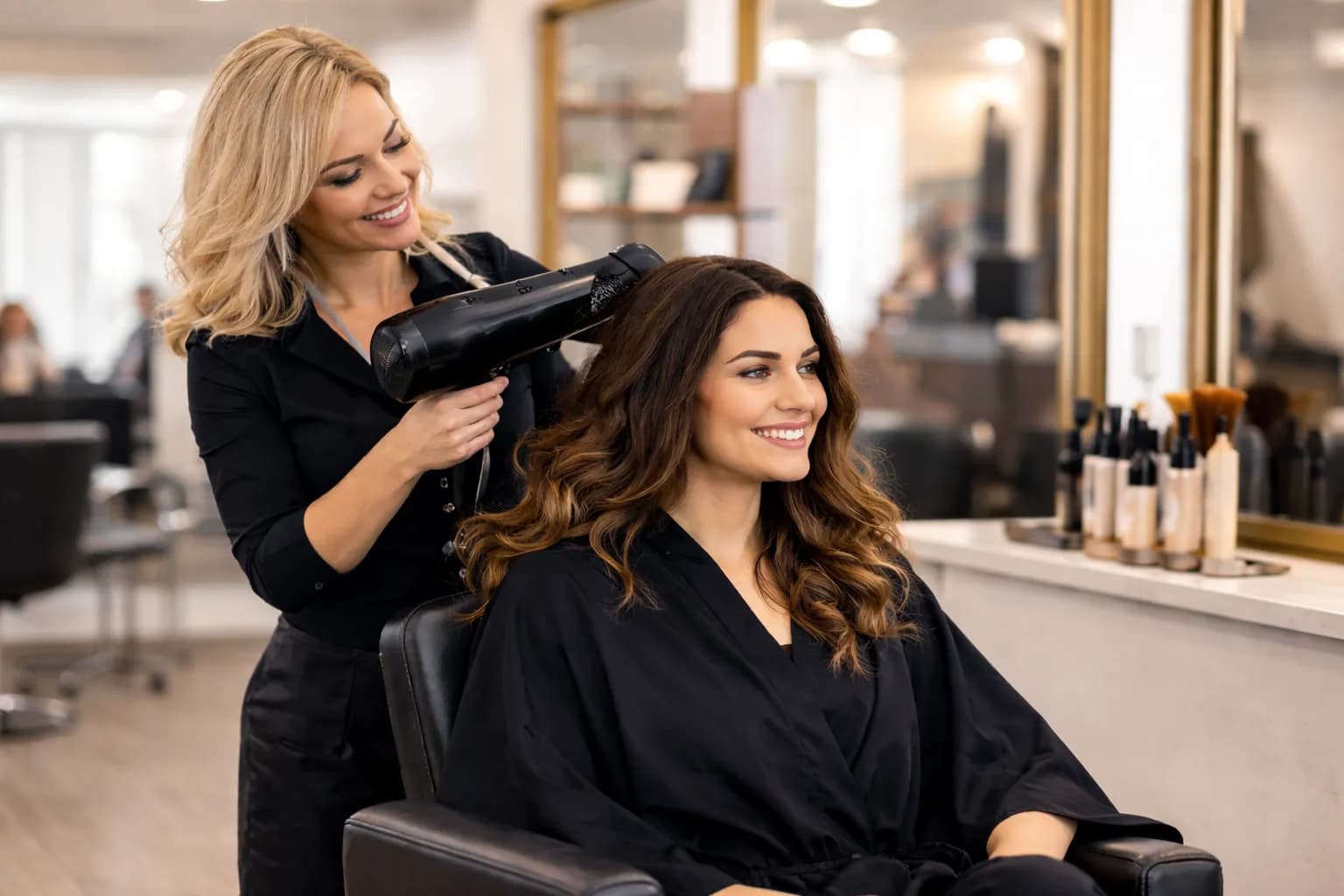
Most salon teams can launch a basic booking setup quickly once services, durations, and team availability are defined.
Hair salon software
Booking software that keeps your hair salon day moving.
Give stylists a clearer calendar, reduce back-and-forth booking calls, and keep service timing visible from the first visit to checkout.
- Online booking for color and cut services
- Reminders that reduce no-shows
- Cleaner daily flow for stylists and front desk
Built for the day-to-day
The booking moments that matter most in a salon
Each section is written around real salon flow instead of generic scheduling copy.

Feature 1
Service menus that stay easy to book
Keep cuts, color services, treatments, and add-ons structured clearly so clients pick the right option the first time.
- Group services by visit type
- Show realistic duration expectations
- Keep add-ons visible without clutter
Feature 2
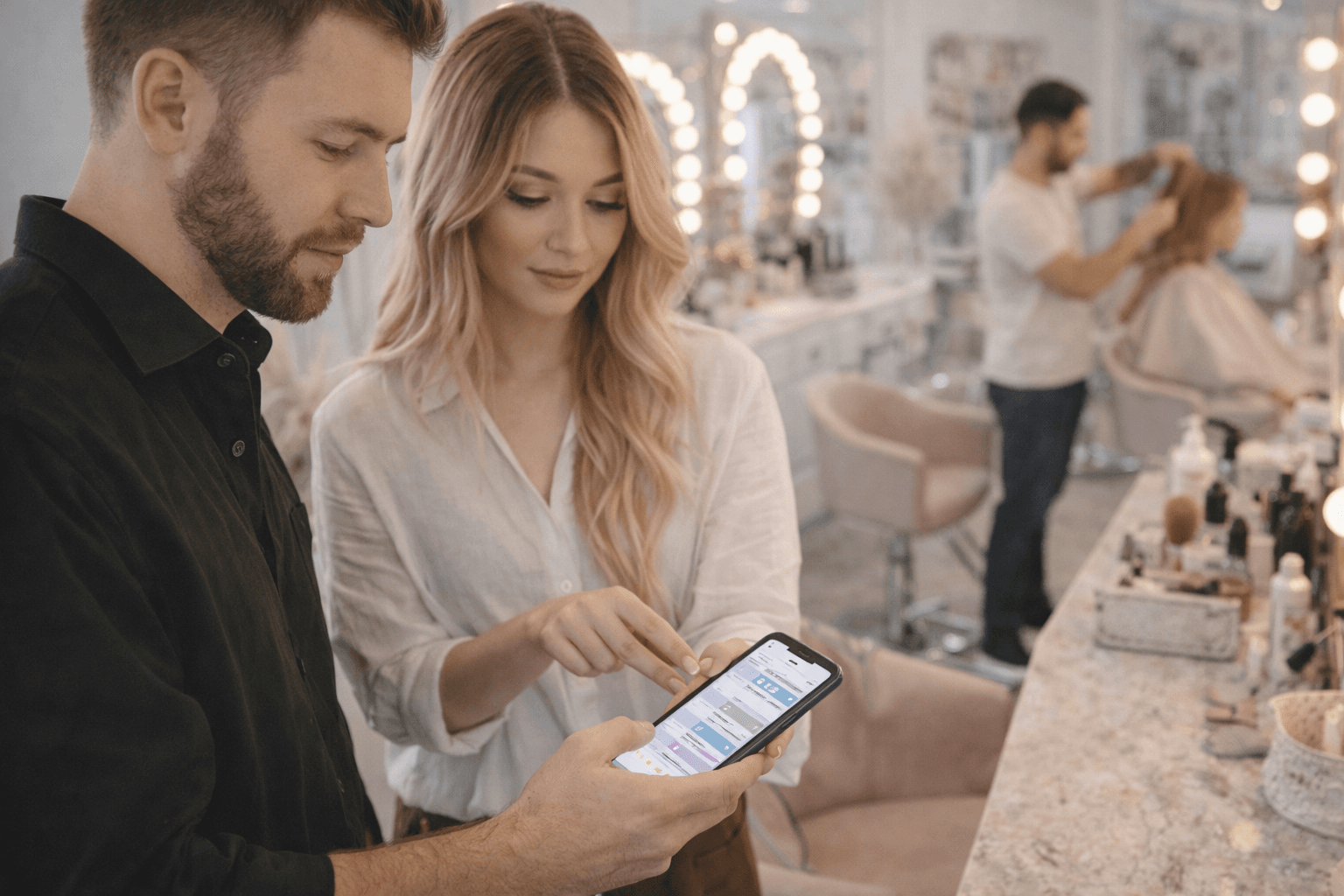
A day view stylists can actually trust
Give the team a schedule that makes buffers, prep time, and back-to-back appointments easier to read.
- Clear appointment timing blocks
- Fewer manual calendar fixes
- Fast view of the full day

Feature 3
Reminders that protect the chair
Reduce avoidable gaps with reminders that keep clients informed before the appointment starts.
- Automatic reminders
- Less front-desk follow-up
- Better attendance for longer services
Why it works
What salon teams need most from the booking flow
The core setup keeps the day readable for staff while making booking simpler for clients.
Fewer booking mistakes
Clients can choose the right service path without long clarification threads.
More predictable days
The team sees timing, staff load, and visit structure more clearly.
Easier repeat bookings
Returning clients can rebook with less friction after each visit.
How teams use it
A simple launch flow for busy salon teams
Start with the basics first, then layer in the pieces that make repeat visits easier.
1
Set up core services
Publish the most common cut, color, and treatment options first.
2
Add reminders and buffers
Protect the day with realistic timing and automatic communication.
3
Refine after launch
Adjust service names, durations, and availability based on real booking behavior.
Got questions?
We handle most niches — just ask
Every business runs a little differently. Calentivo is built to handle most service types out of the box, and our team is always happy to help you get set up exactly right. Don’t hesitate to reach out — no question is too specific.
“Whether you run a niche setup or a multi-location operation, we can walk you through it. Reach out and we’ll make it work.”
Calentivo team
Here for any business type
FAQs
Questions salon teams usually ask before switching
Short answers focused on setup speed, service menus, reminders, and daily operations.
Related industries
Explore nearby booking setups
These businesses share similar scheduling pressure and upsell patterns.
Barber shops
Keep walk-in pressure lower with appointment slots, clean queues, and simpler repeat bookings.
Wellness spas
Handle treatments, rooms, add-ons, and appointment timing with less manual coordination.
Fitness studios
Support classes, sessions, trainer schedules, and reminders with a booking flow that stays clear.
Next step
Launch a calmer booking flow for your salon.
Start with online booking, reminders, and a cleaner service menu structure, then expand the setup as the team grows.